Largest Cellphone Accessories & Pre-Owned Device Wholesaler with an extensive range of products to choose
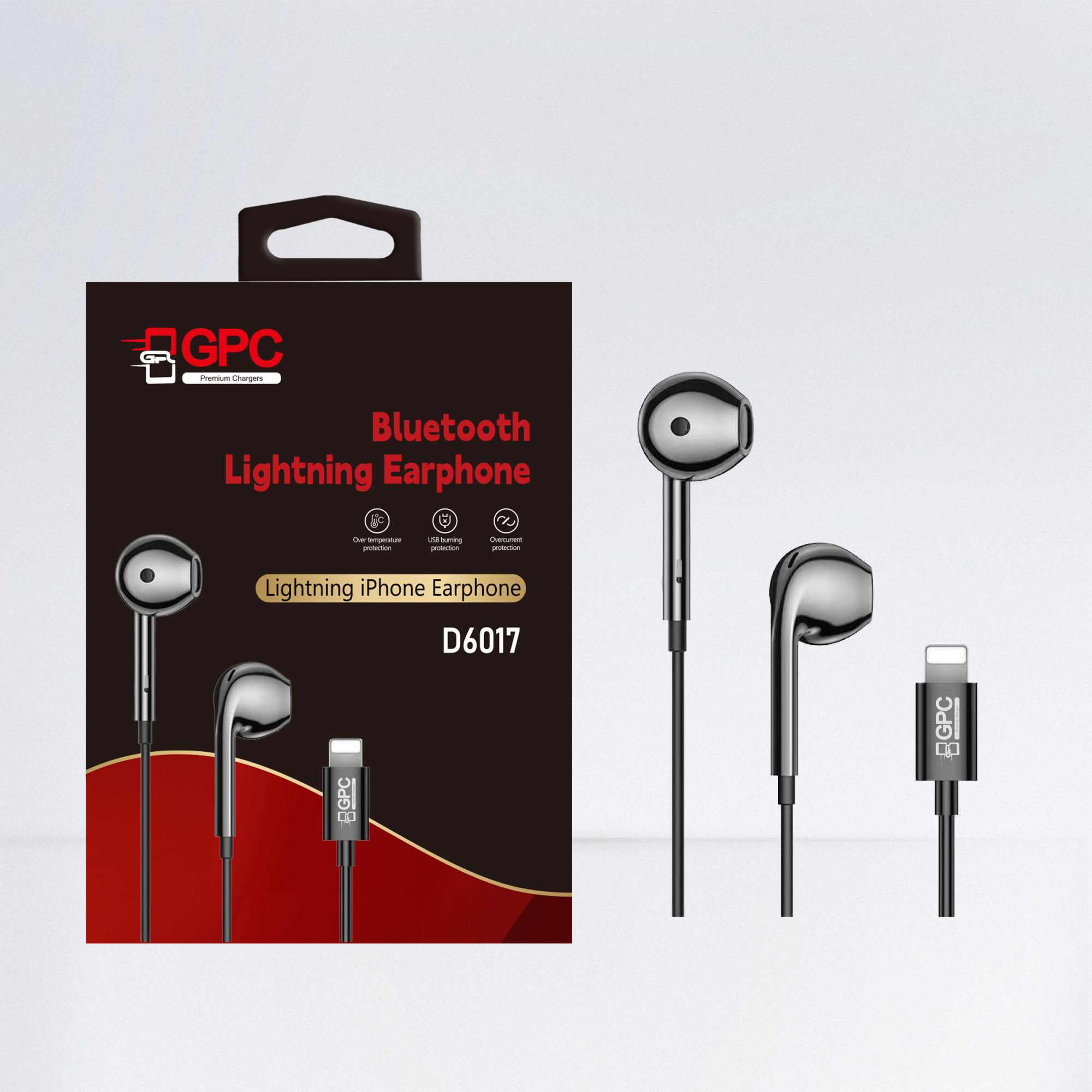
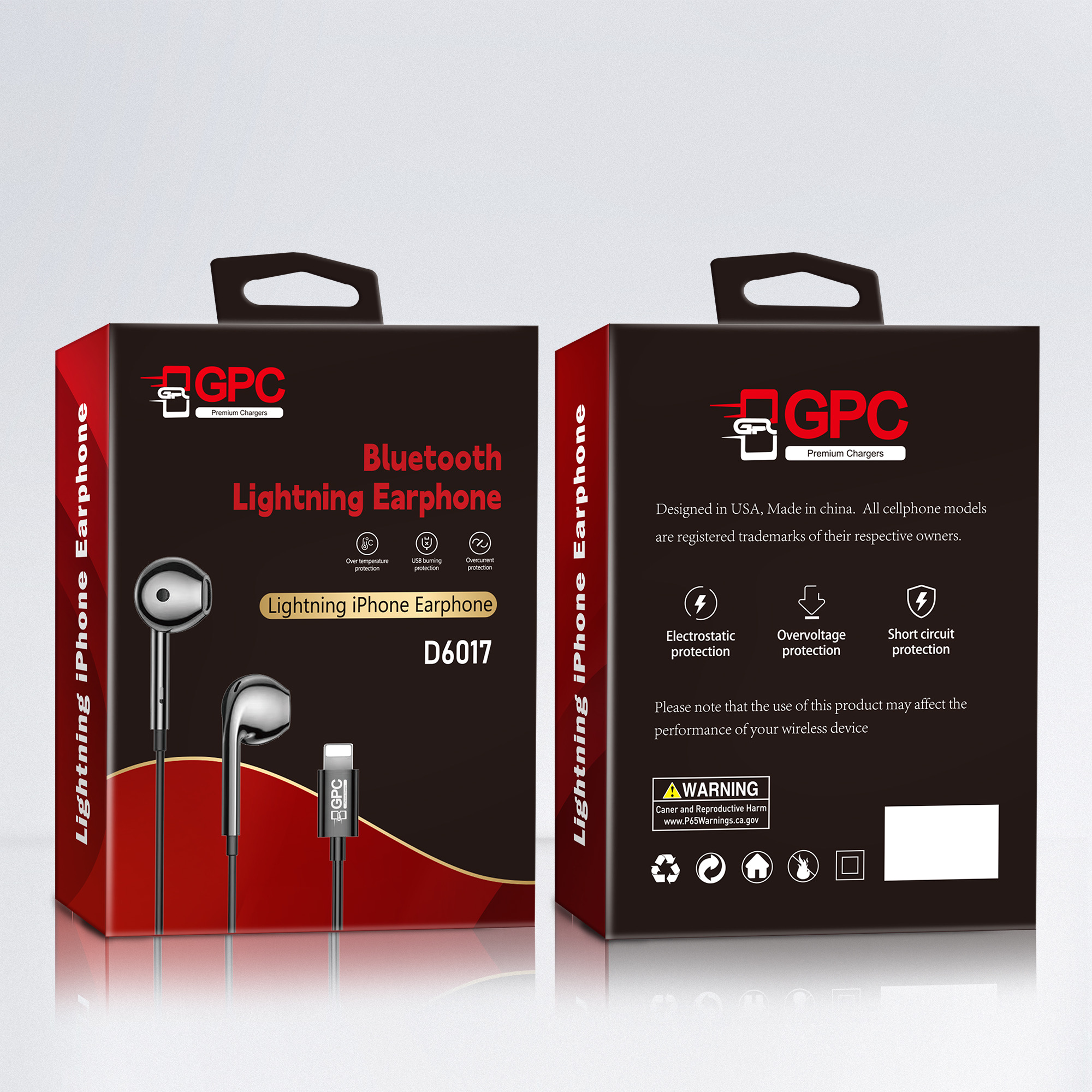
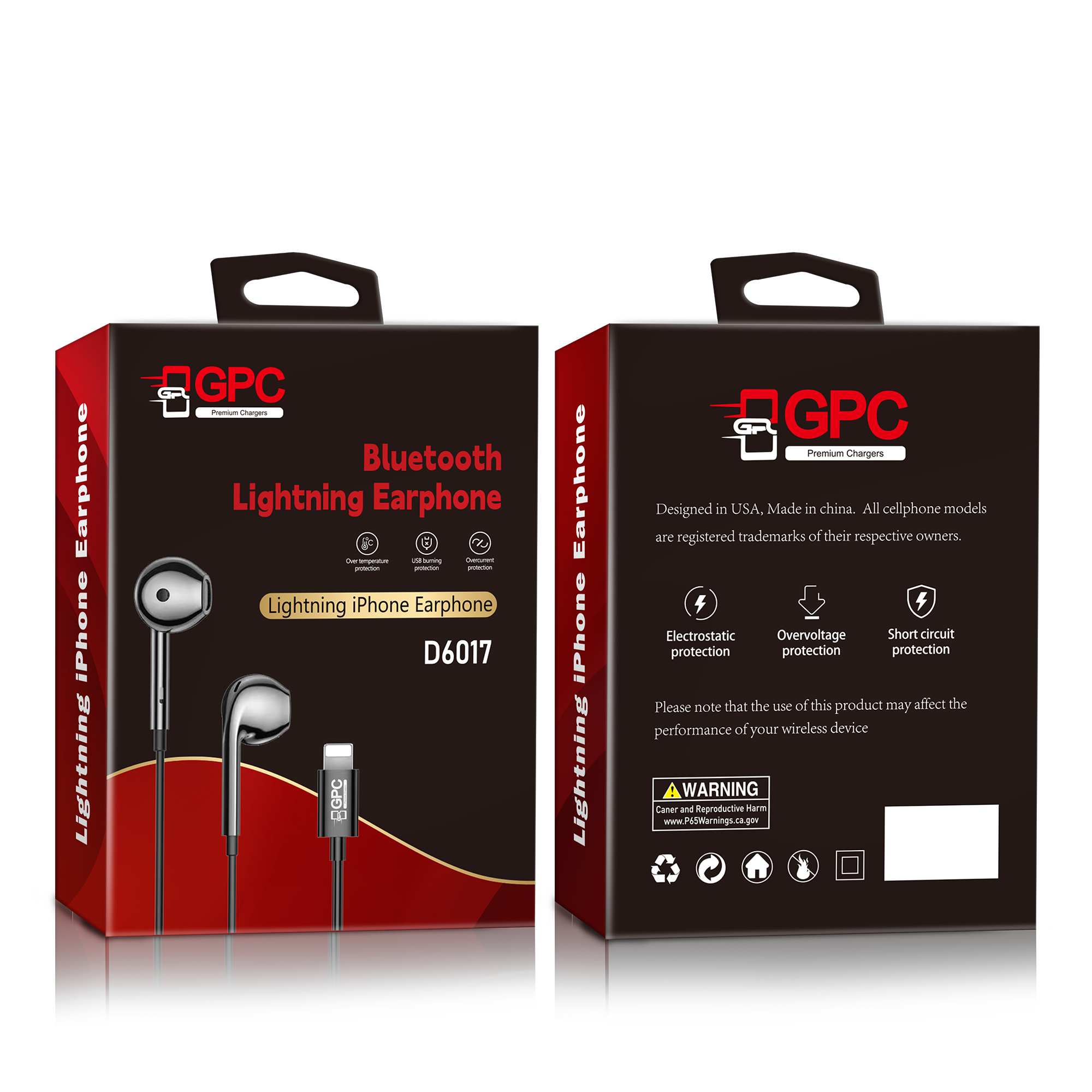
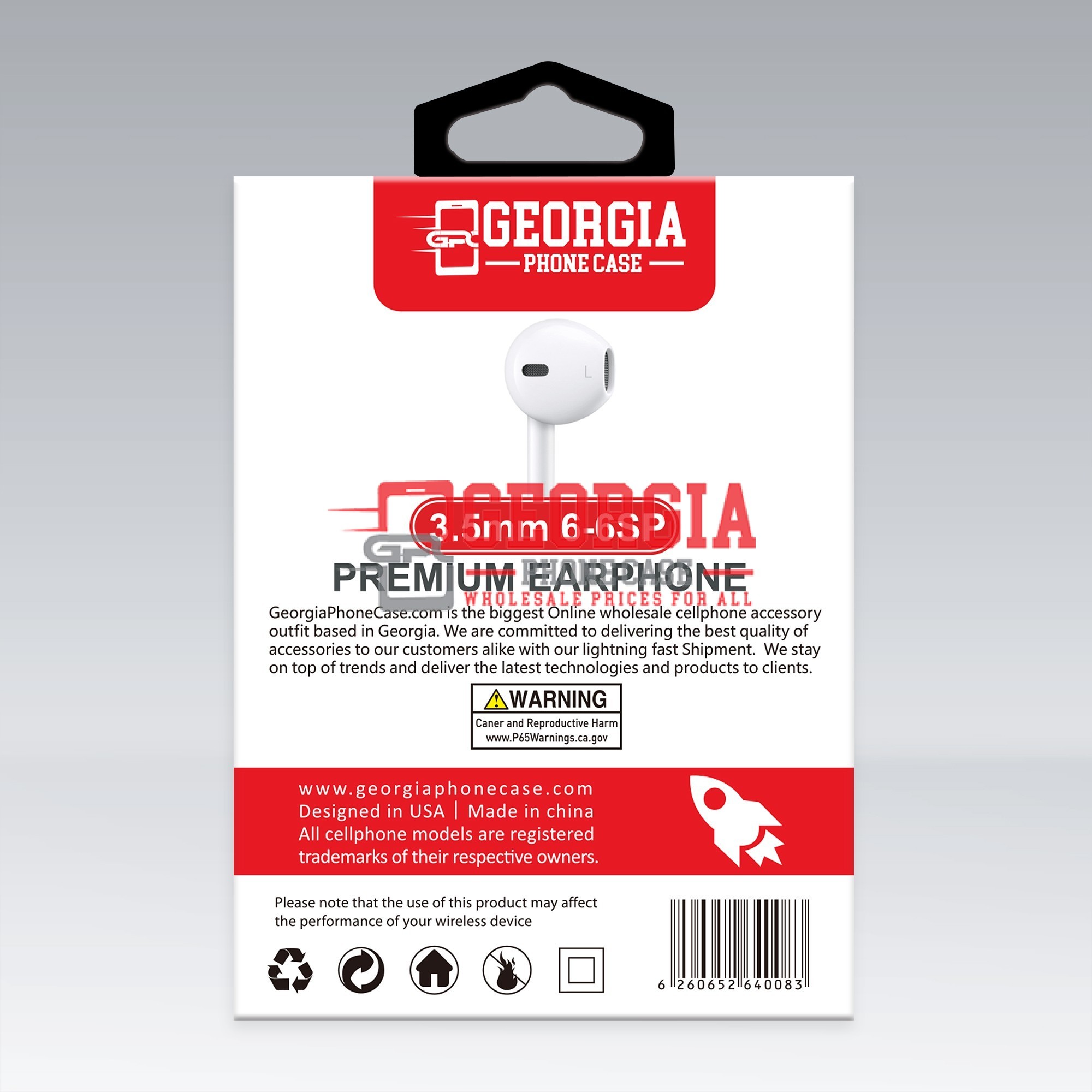
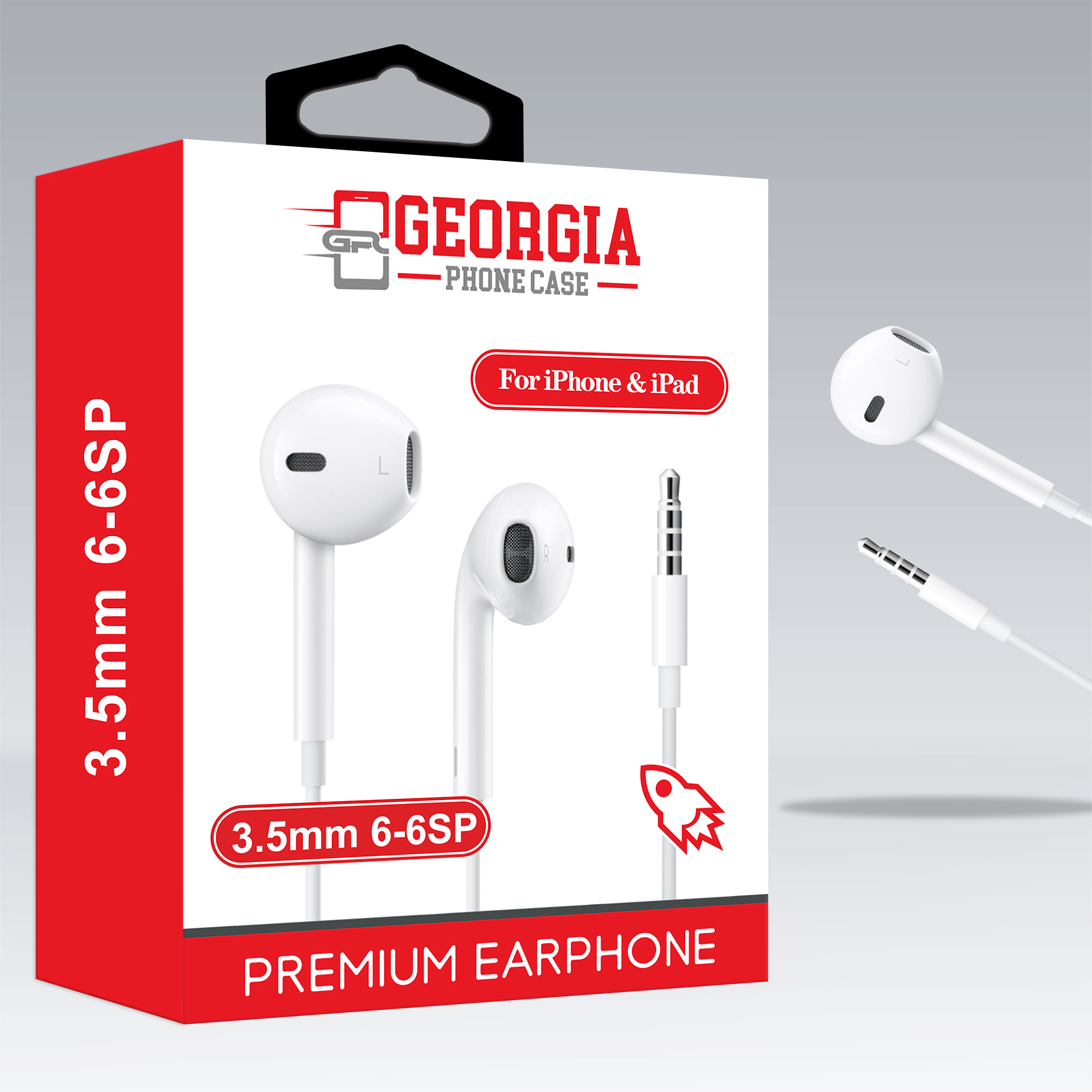
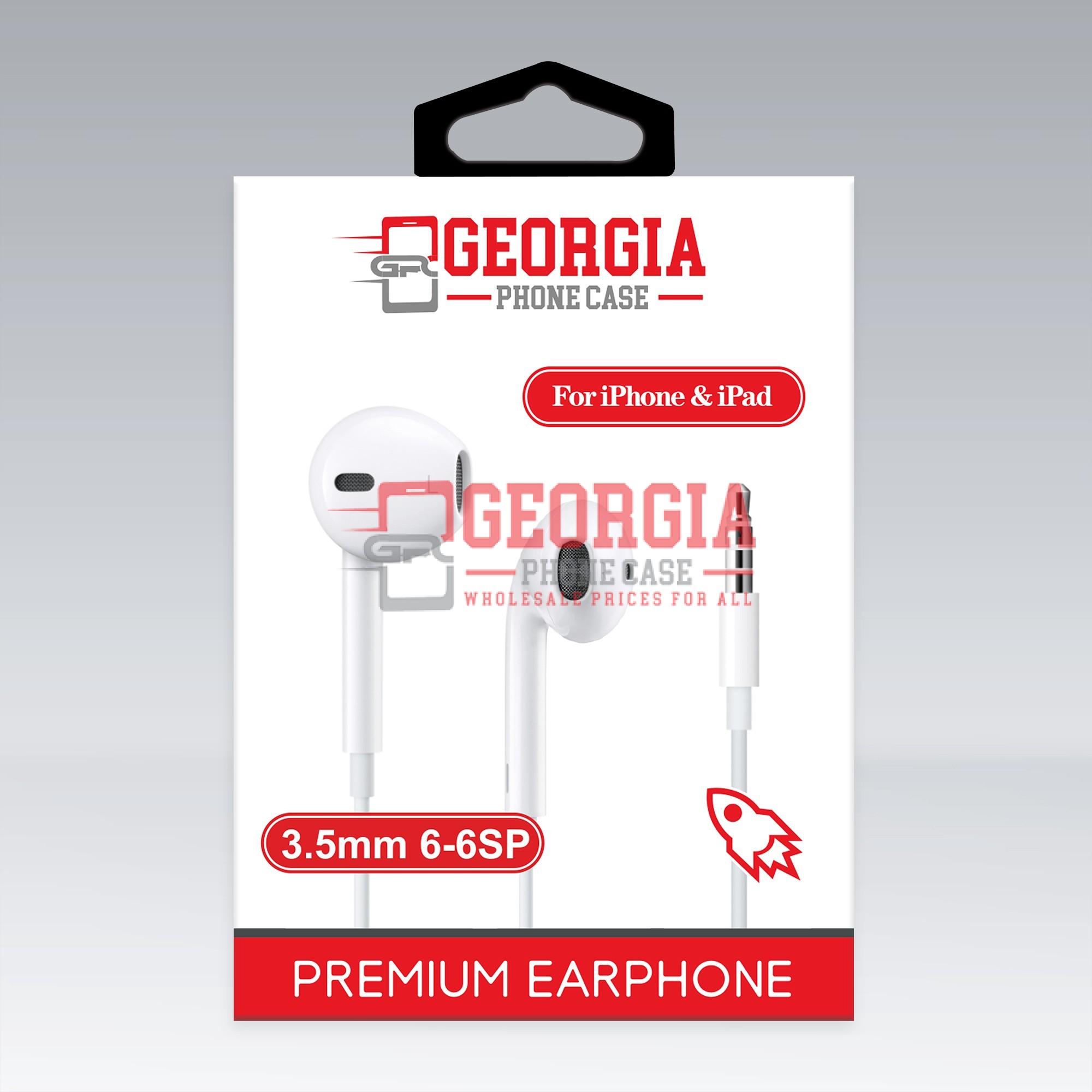
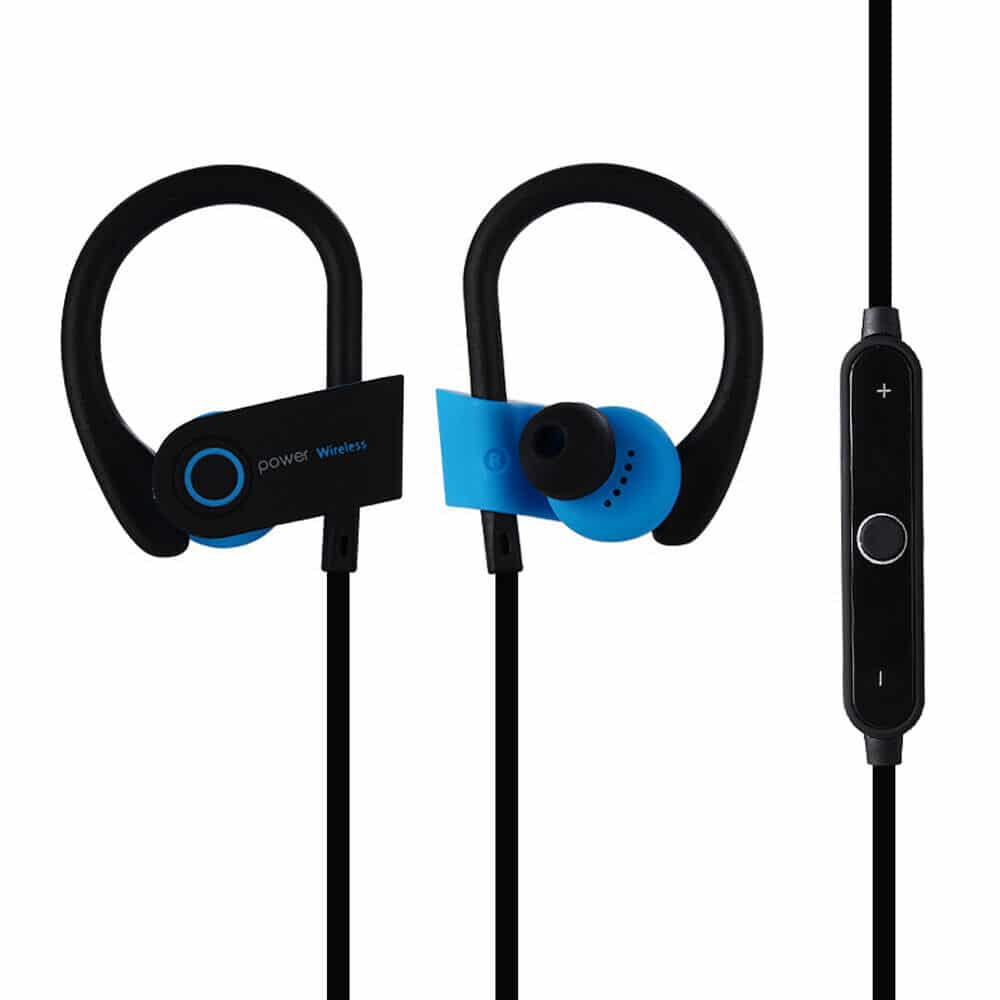
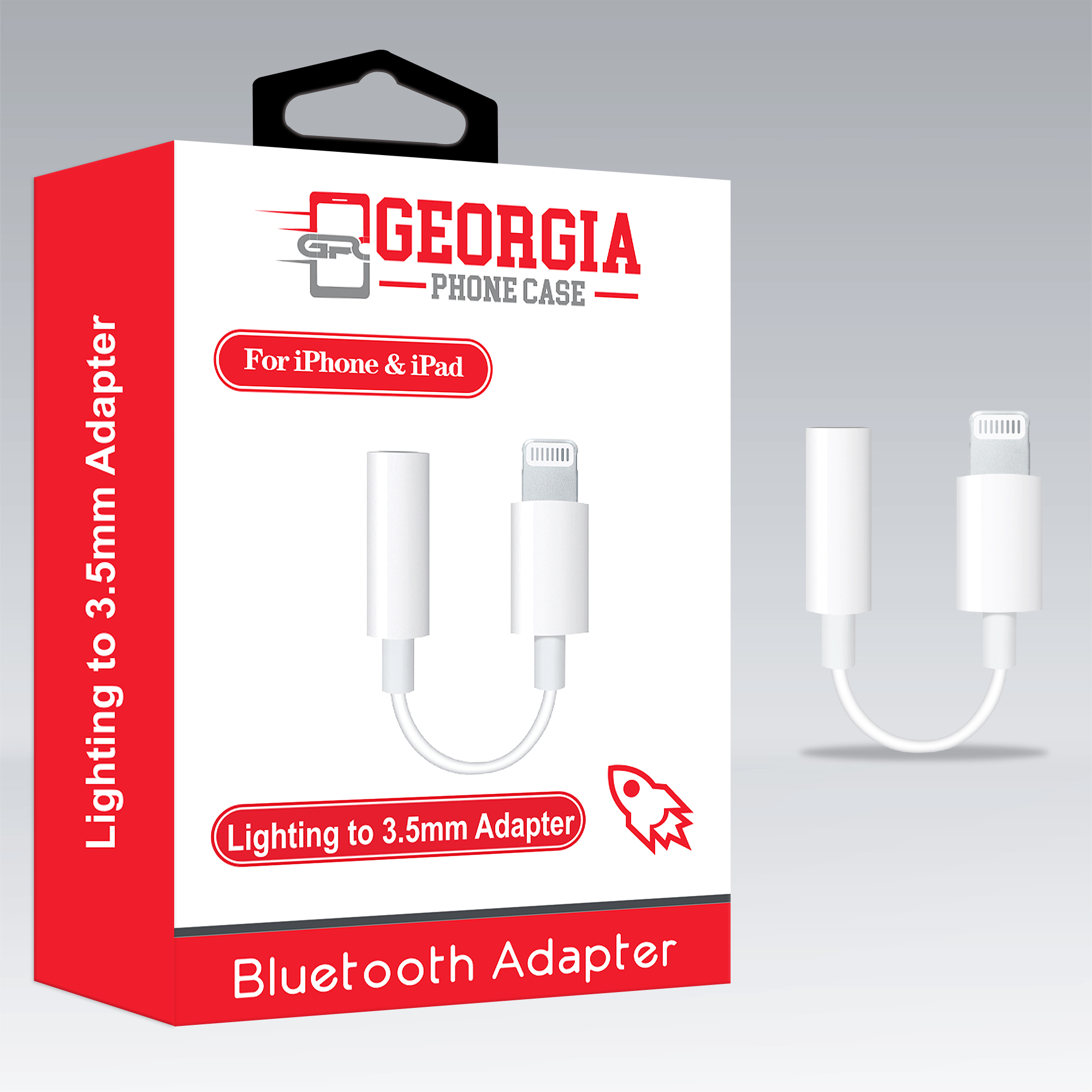
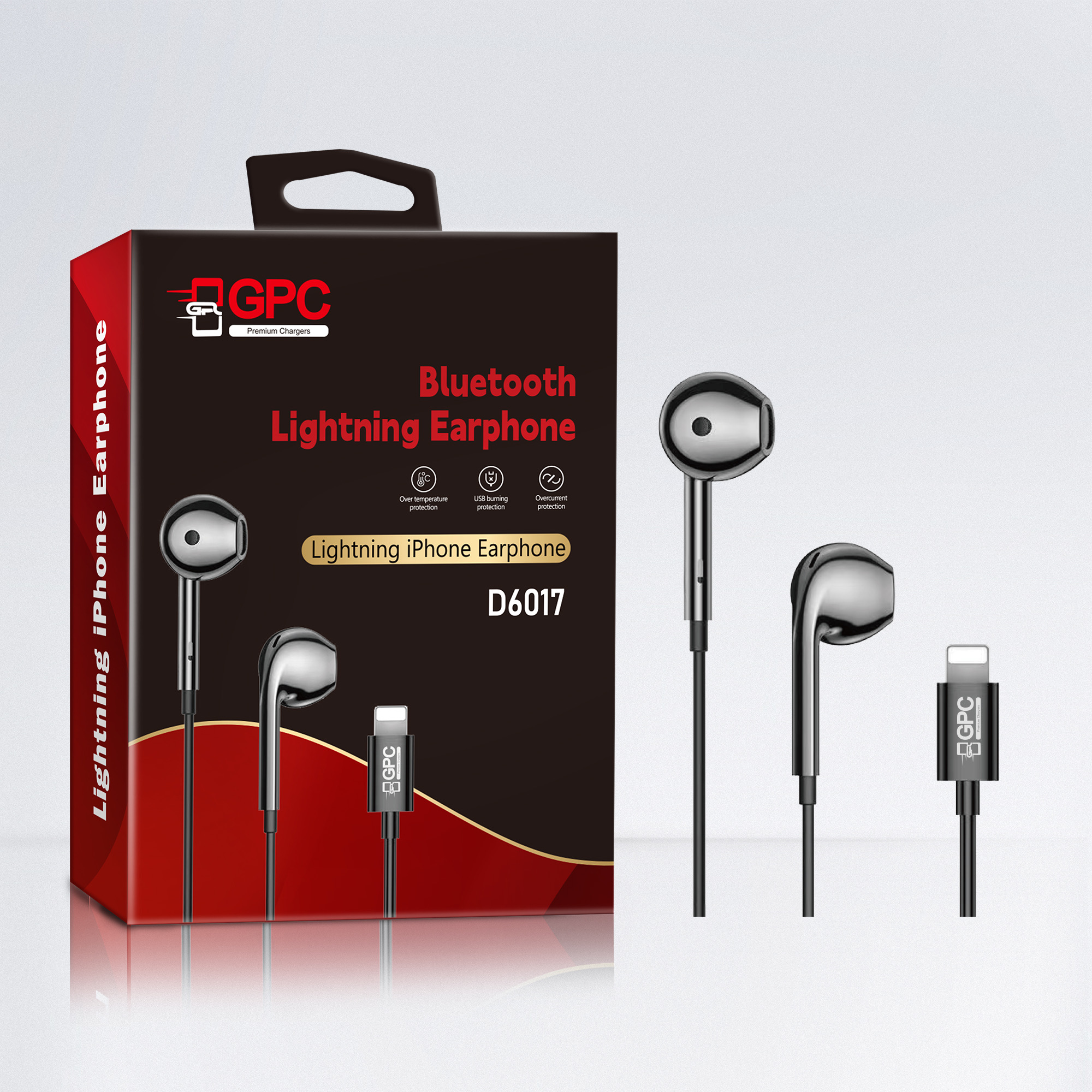
D6017- Black Bluetooth Headset iPhone 7 8 Plus X XS MAX XR 11 Pro MaxWired Headphones Earbuds – Standard Quality – GPC
$2.99
In stock
How to connect:
1. Plug in the earphones to your iPhone.
2. Go to Settings > Bluetooth (turn on) > Select “Earphone or Lightning”
3. If you want to link another iPhone, you must disconnect the Bluetooth link from the original iPhone first and plug the new iPhone then do the step 2 on the new iPhone.
(YOU ONLY HAVE TO DO THIS AT THE FIRST TIME FOR IPHONE 7/8,7/8+,X/XS/XR,XS-MAX)